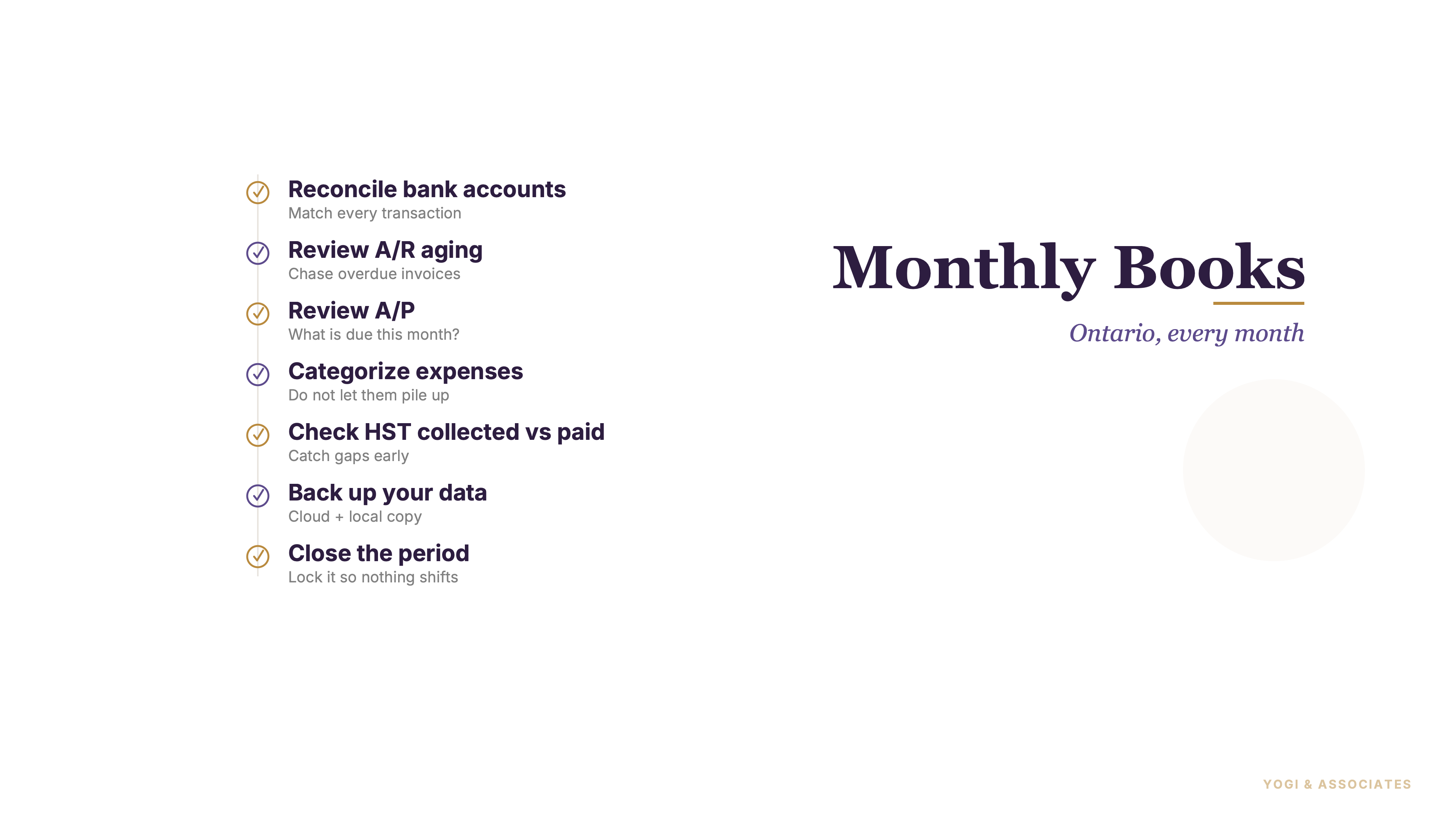
1. Categorize every transaction first
Month-end starts with getting every uncategorized item out of limbo. If the bank feed is full of half-guessed entries, nothing that follows can be trusted.
This should be done before reports, before reconciliations, and definitely before HST review. owners waste hours staring at reports that were wrong the moment the categories were guessed badly.
So start with clean coding and move top to bottom. Our bookkeeping guide and our QuickBooks setup guide are the best companions if the file itself still feels messy.
2. Reconcile every bank and card account
Reconciliation matters more than most owners think. A reconciliation (matching every transaction in your books against the bank statement so nothing is missing or duplicated) compares the bank statement to your books and exposes missing transactions, errors, timing issues, and suspicious activity.
And it has to be every account, not just the main chequing account. We've found that the slop usually hides in credit cards, loan accounts, or a second bank account nobody looked at this month.
if the accounts are not reconciled, the month is not done. That rule should be absolute.
3. Review HST before it surprises you
This is the month-end step small businesses skip until the filing deadline gets close. That is a bad habit.
CRA's rules mean HST on invoiced work can matter before the cash arrives, so the HST collected on the books should line up with the invoices and credits posted for the period. But if tax codes are wrong or invoices are missing, the balance will drift fast.
Owners should check HST every month, not just at filing time. Our GST/HST guide helps with the filing side, but month-end is where the number either stays clean or starts to rot.
4. Review A/R and A/P aging
Open invoices and unpaid bills deserve their own pass every month. They tell you where cash pressure is coming from before the bank account starts screaming.
A A/R aging (a report that groups customer invoices by how old they are — current, 30 days, 60 days, 90 days, or older) report shows who owes you and how stale those balances are getting. And A/P aging does the same thing on the bill side, which is how missed supplier bills get caught before they become relationship problems.
this is one of the most underrated owner reviews in the whole month. Businesses that watch A/R and A/P monthly stay calmer, even when the numbers are tight.
5. Read the monthly P&L like an owner
A profit and loss report should not be printed and ignored. It should be read line by line, with questions.
The best review is simple: compare this month to last month, compare year to date to what you expected, and circle anything that looks weird. Plus if you use accrual books, the report usually tells the business story better than the bank balance alone.
owners do not need more dashboards first. They need one clean P&L and the discipline to actually read it.
6. File the source documents properly
CRA does not care that you meant to save the receipt later. It cares whether the record exists when the number on the return needs support.
CRA says business records have to support the amounts on the return, and that means invoices, receipts, vouchers, contracts, bank statements, cancelled cheques, and GST/HST records have to be kept. And CRA generally says to keep records for six years from the end of the last tax year they relate to.
Monthly filing beats annual panic every single time. If you want a cleaner tax trail, our cash versus accrual guide helps explain why proper records and proper timing have to move together.
7. Back up the data and close the period
Month-end is not finished until the data is protected. Cloud files are better than desktop files here, but we still think every business should act like data loss and accidental edits are real risks.
QuickBooks Online says your data is backed up automatically multiple times each day, while QuickBooks Desktop still requires you to create backups manually or schedule them. Plus QuickBooks Online lets you set a closing date to lock prior-period entries and require a password before edits, which is exactly what closing the period (locking your books for a date range so prior-period entries can't be changed without admin permission) is supposed to do.
We've found this last step is the one people skip because it feels boring. But it is the step that protects all the work you just finished.
Month-end should feel routine, not chaotic. If you want the checklist done properly and on time every month, we can help.
Book a Free Consultation