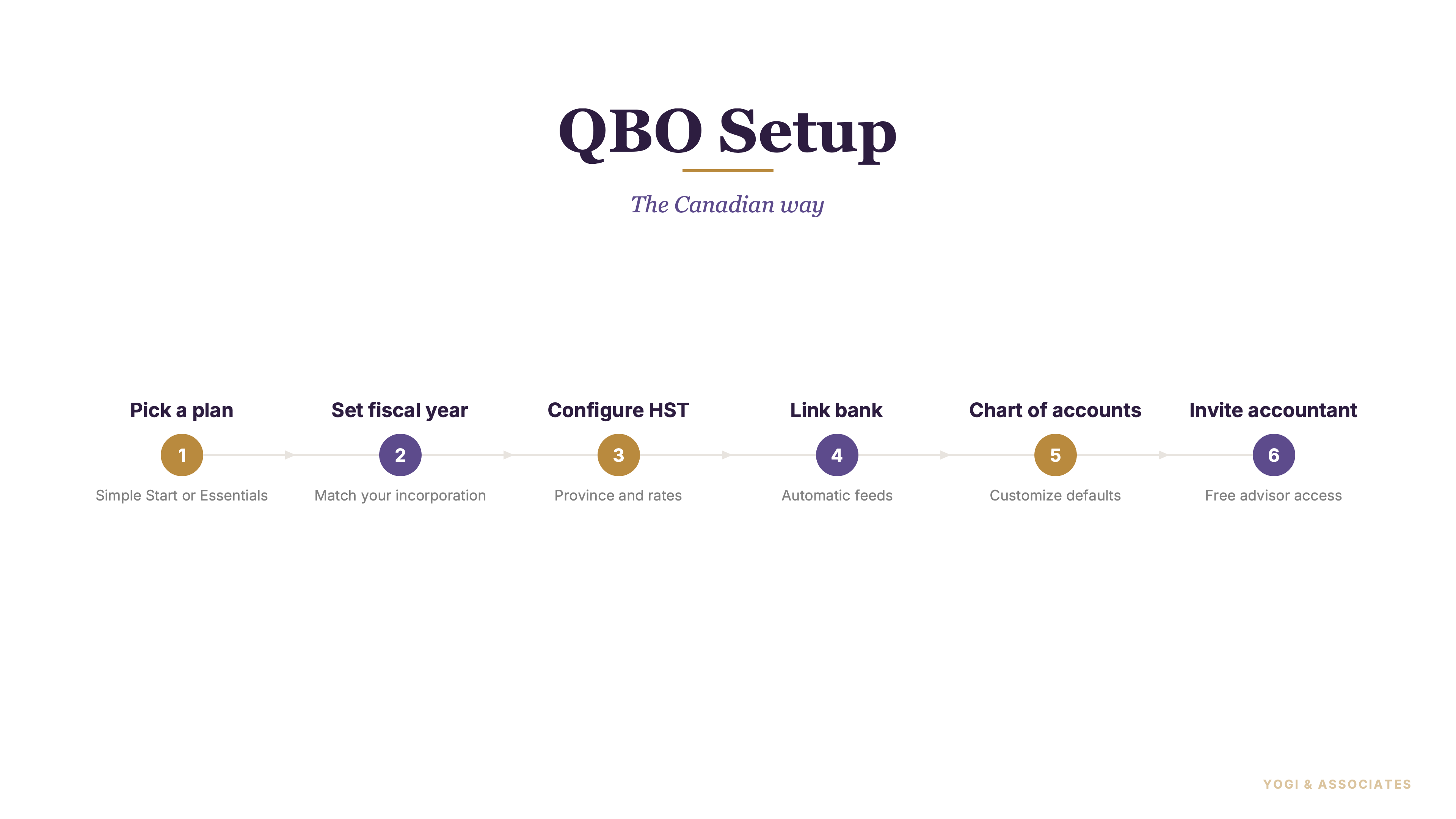
1. Pick the right plan first
Most Ontario small businesses end up on QuickBooks Online, but the setup is where things go right or wrong. QuickBooks Canada offers EasyStart, Essentials, Plus, and Advanced. EasyStart is the starter tier, Essentials supports up to 3 users, Plus supports up to 5 users, and Advanced supports up to 25 users.
The feature jump matters more than the pricing banner. Essentials adds bills, tax tracking, and multi-user collaboration, while Plus adds inventory, purchase orders, project profitability, and categorized reporting.
Essentials is the sweet spot for many service businesses, and Plus is the better move once inventory or project tracking shows up. Advanced is overkill for most owner-managed companies unless you truly need deeper controls and reporting.
2. Fix the company settings before you post
QBO's advanced settings are where the company file gets shaped properly. Intuit says this is where you set the fiscal year, tax year, closing date, accounting method, default tax settings, language, and date and number format.
For Canadian businesses, the fiscal year choice matters right away. CRA says self-employed individuals generally use a December 31 year-end, while a new corporation can choose its own year-end as long as the first tax year is not more than 53 weeks.
this is the most ignored setup screen in the whole product. So fix it first, then keep our bookkeeping guide nearby while you finish the rest of the file.
3. Set up HST before the first invoice
Do not wait until quarter-end to touch HST settings. Ontario HST is 13%, and QBO has a dedicated tax setup flow and tax tracking features inside the product.
Once HST is set up properly, the reports become much more useful for filing. CRA's return lines still matter in the background: line 101 is sales and other revenue, line 105 is GST/HST and adjustments for the period, and line 108 is total ITCs and adjustments.
Wrong HST setup causes more cleanup than almost anything else. Our GST/HST guide is the best companion here, especially if you are also sorting out your first input tax credit (ITC — the GST/HST you paid on business purchases that you can claim back; QBO maps these automatically once HST is set up correctly) workflow.
4. Connect the bank and clean the chart
QBO is much better once the bank connection is live. Intuit says you can connect bank and credit card accounts, pull transactions in automatically, refresh daily, and match the connection to the right account inside the chart.
The chart matters just as much as the feed. Intuit says QBO customizes the chart of accounts when you create the company file, but you can add accounts and keep it organized for tax time.
We've found the best charts are boring and clear. So rename accounts to match how your business actually spends money, and line them up with CRA-style categories like advertising, office, vehicle, and professional fees before the bank feed fills the books with noise.
5. Add payroll and import old data
Payroll is a separate add-on in Canada, not something you should assume is already included. Intuit says QuickBooks Payroll can be added to QBO, supports direct deposit, EFILE and remittance with CRA, and prepares T4 forms.
Imports matter too if you are moving off spreadsheets or another system. Intuit says you can move suppliers, customers, inventory, and chart of accounts into QBO, and it also has separate import tools for products and services from Excel or CSV.
Imports are underrated because they save a lot of typing and reduce setup errors. But if your books are already messy, our bookkeeping service is usually a better first move than dumping bad data into a clean file.
6. Invite your accountant properly
QBO has a specific accountant access route, and you should use it. Intuit says accountant users invited that way do not count toward your user limit.
That matters because regular user seats should be reserved for people actually working inside the business file. Plus the accountant role gives your bookkeeper or accountant tools built for review, corrections, and year-end work.
this is one of the cleanest wins in the whole setup. So add your accountant early, not after months of damage, and read our ITC guide too if you want the HST side to be reviewed properly from day one.
7. The setup mistakes we see all the time
The biggest mistakes are boring ones. Wrong fiscal year, HST left off, a messy chart, no bank feed, and user access handed out without a plan.
But the tax mistake is the expensive one. If HST is wrong, the numbers you review for line 101, line 105, and line 108 will not line up with what actually happened.
The best QBO setup is the one that feels almost boring by month-end. If you are already behind, our catch-up bookkeeping service is the smarter path than trying to rescue a bad setup after several filing periods.
QBO works well when the setup is right and gets painful fast when it is not. If you want the file built properly from day one, we can help.
Book a Free Consultation